
How Bluebear helps teams plan and control AI credit spend
A practical walkthrough for turning tenant credit purchases into scoped budgets for organizations, shared pools, workspaces, users, and future AI resources.
The problem: AI spend does not stay in one place
AI usage can happen inside a tenant, across an organization, inside a workspace, or directly under an individual user. A flat credit balance works for early billing, but it does not explain who should spend, which project owns the spend, or when a budget is expected to run out.
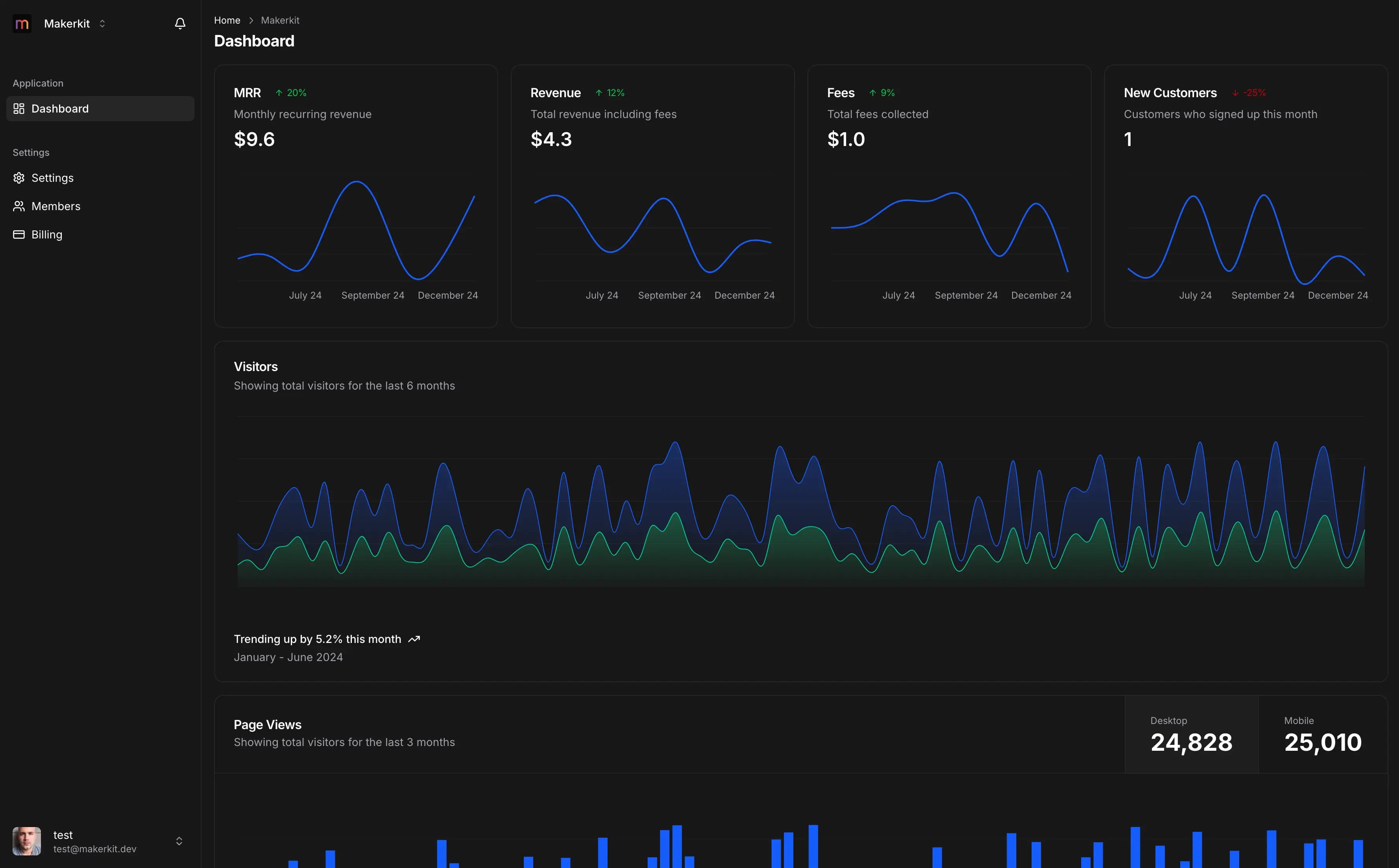
Bluebear solves this by treating the tenant account as the purchased pool, then creating scoped credit accounts for the places work actually happens. The dashboard can show both total capacity and the local budgets that operators need to manage.
The model: purchased pool first, scoped budgets second
The tenant pool is the total balance purchased or granted to the tenant. Organization, shared pool, workspace, user, and future scoped accounts should be funded from that tenant pool so every allocation has a traceable source.
This gives finance and platform admins one ledger-backed source of truth while still letting teams assign practical budgets to the places where AI work is performed.
The workflow: plan, allocate, warn, and reconcile
Admins should be able to create one-time budgets with spend windows, monthly recurring allocations, and alerts for low balance, exhaustion, and budgets nearing their end date.
When a workspace has a budget, project spend should draw from that workspace account. When a project has no workspace allocation, usage can fall back to organization or tenant policy. Personal work should use the user allocation when policy allows it.
The outcome: cleaner controls without slowing teams down
Scoped budgets let operators prevent surprise spend without creating a ticket for every model call. Teams can see what is available, admins can rebalance budgets, and finance can reconcile spend back to the original tenant purchase.
The same structure can extend later to agents, workflows, cost centers, or customer-specific pools because each balance is represented as a credit account rather than a hard-coded user or organization field.